The Website you are on
2025
Personal
Portfolio
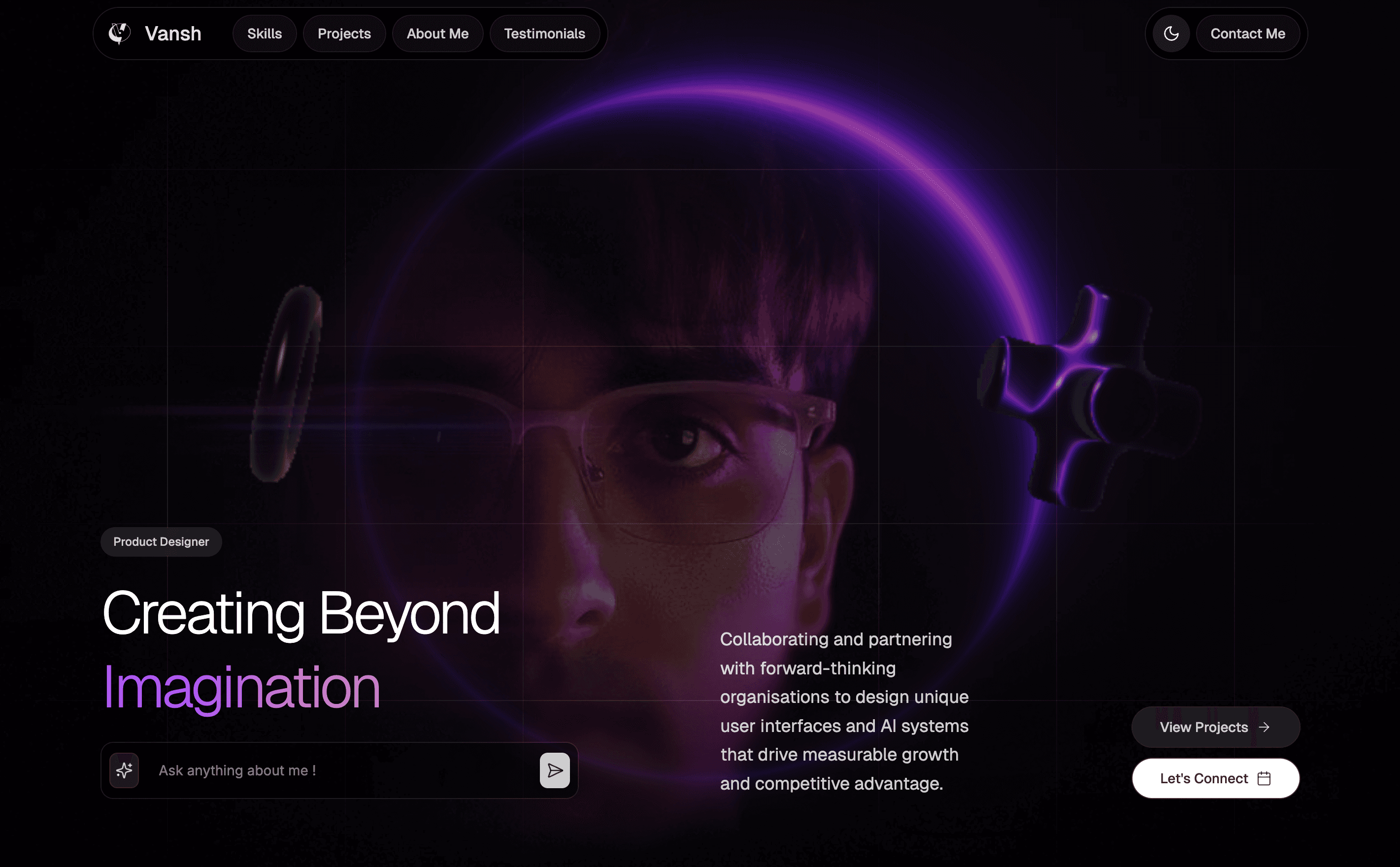
The traditional portfolio format is broken. It’s static, passive, and requires hiring managers to dig through walls of text to find what they are looking for. As a person sitting at the intersection of design and engineering, I realized my portfolio couldn't just list my skills on generic templates, it had to demonstrate them live.
My goal was to build a "living" application: a portfolio featuring Ursa, an AI assistant that could answer questions about my background, explain my code, and guide users through my work in a natural, conversational way.
My Role
Tools Used
















Getting Started
This project didn't start as a complex application.
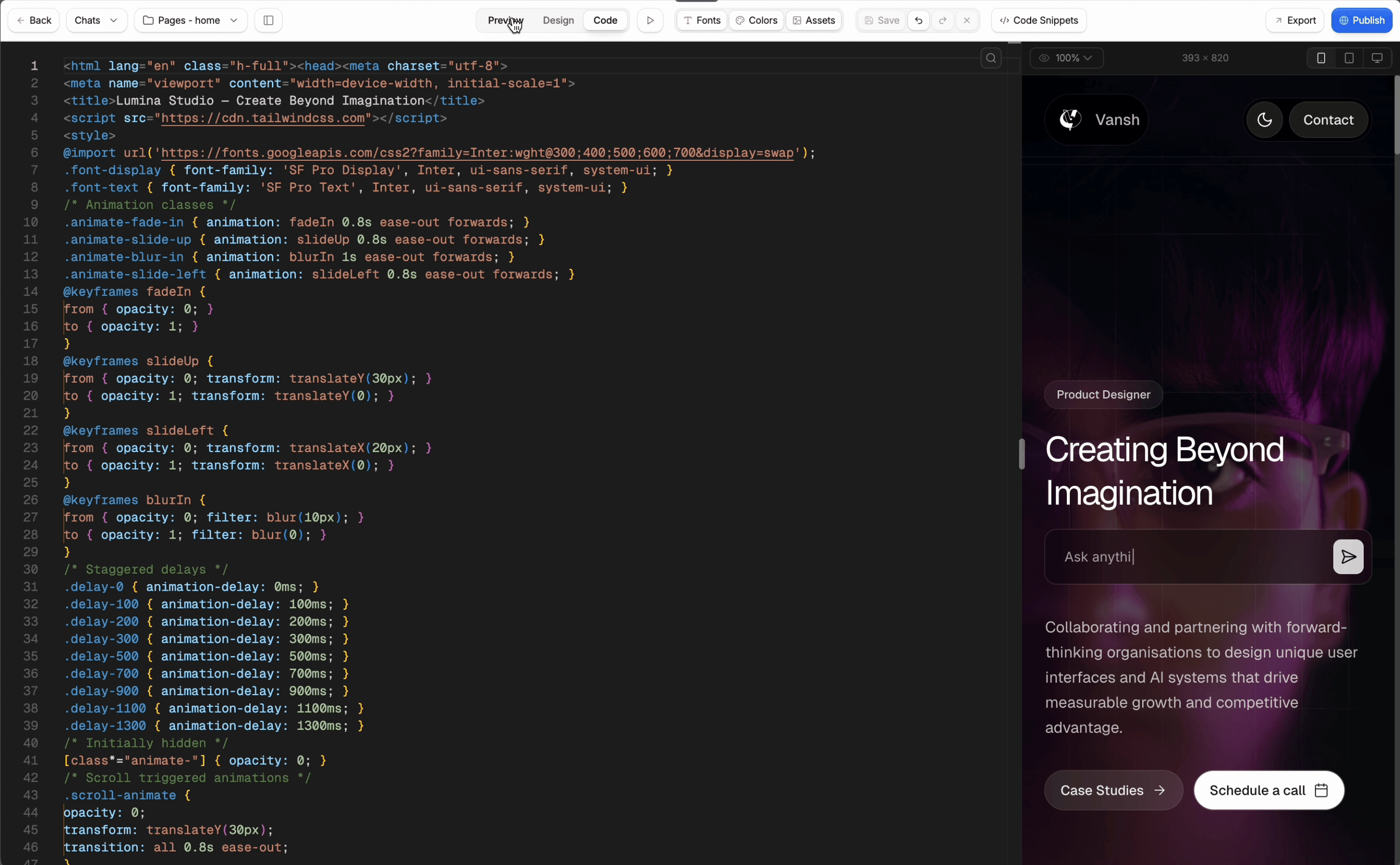
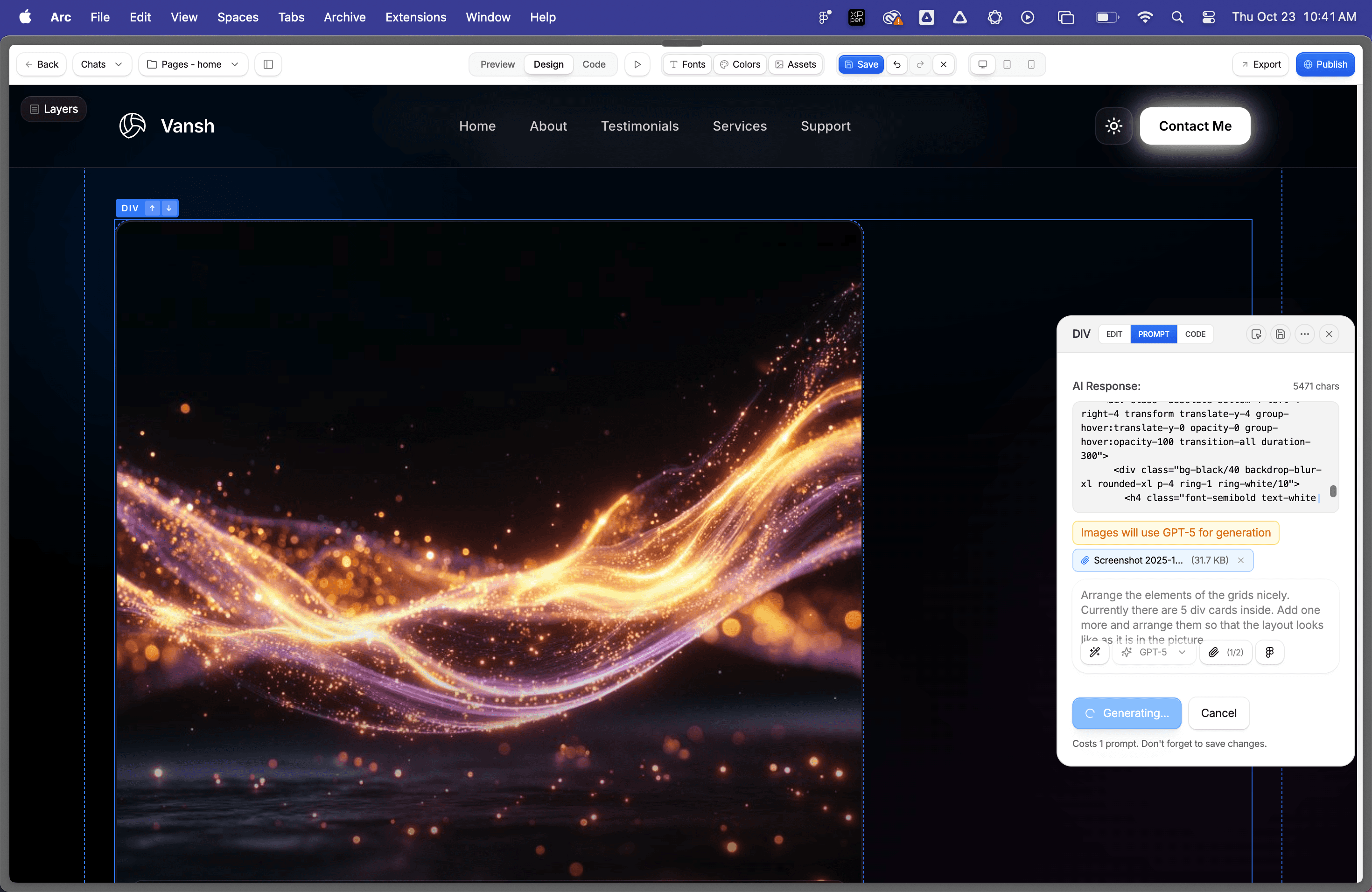
I began with a rapid prototype using Aura.build, creating the initial frontend structure in vanilla HTML, CSS, and JavaScript. This allowed me to nail the visual aesthetic without getting bogged down in framework overhead.
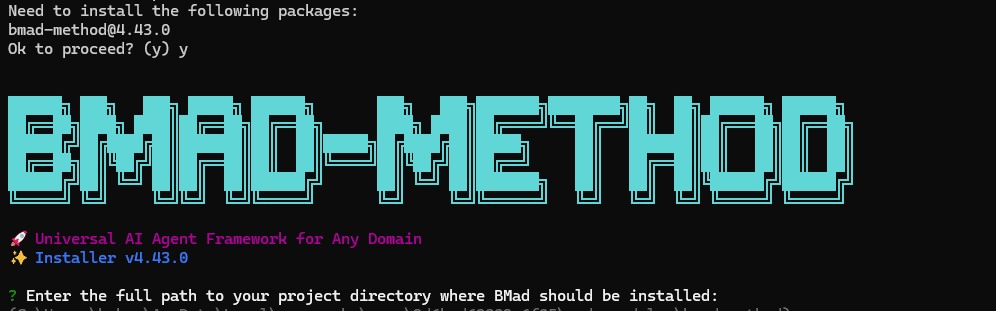
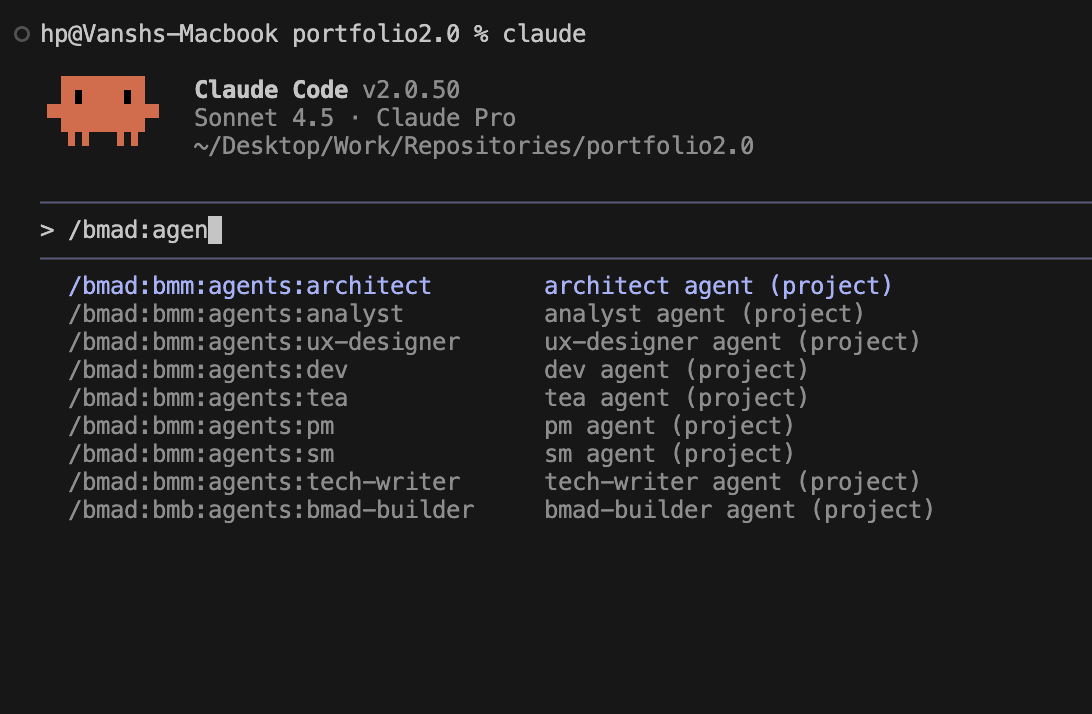
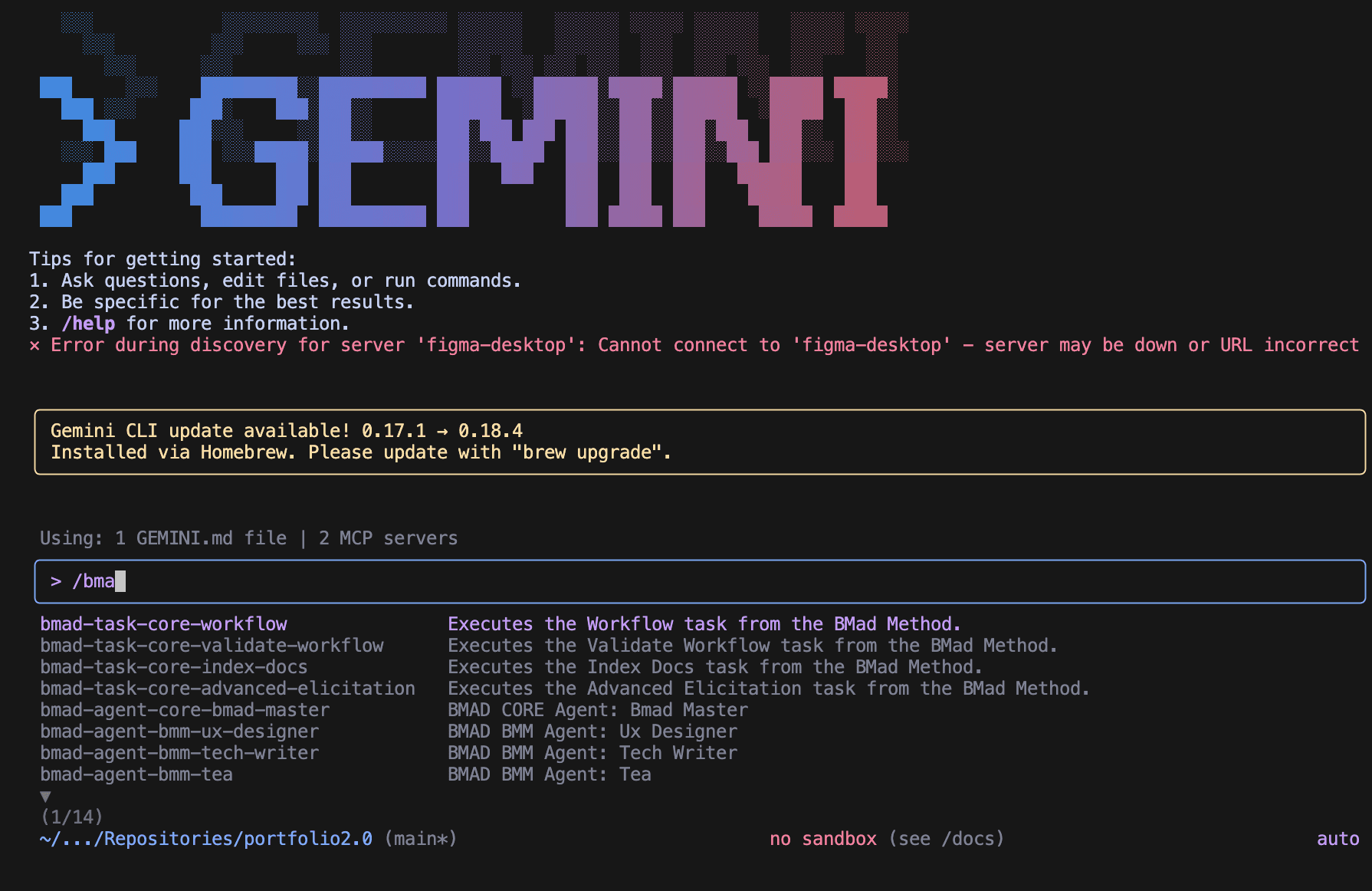
Once the vision was clear, I needed to scale. I employed the BMAD Method (Breakthrough Method of Agile AI-driven Development) to orchestrate the migration. Using BMAD's structured agent workflows powered by Claude Code and Gemini CLI, I systematically refactored the vanilla codebase into a robust React 19 and TypeScript architecture, establishing the frontend-backend type safety that is critical for the final product.
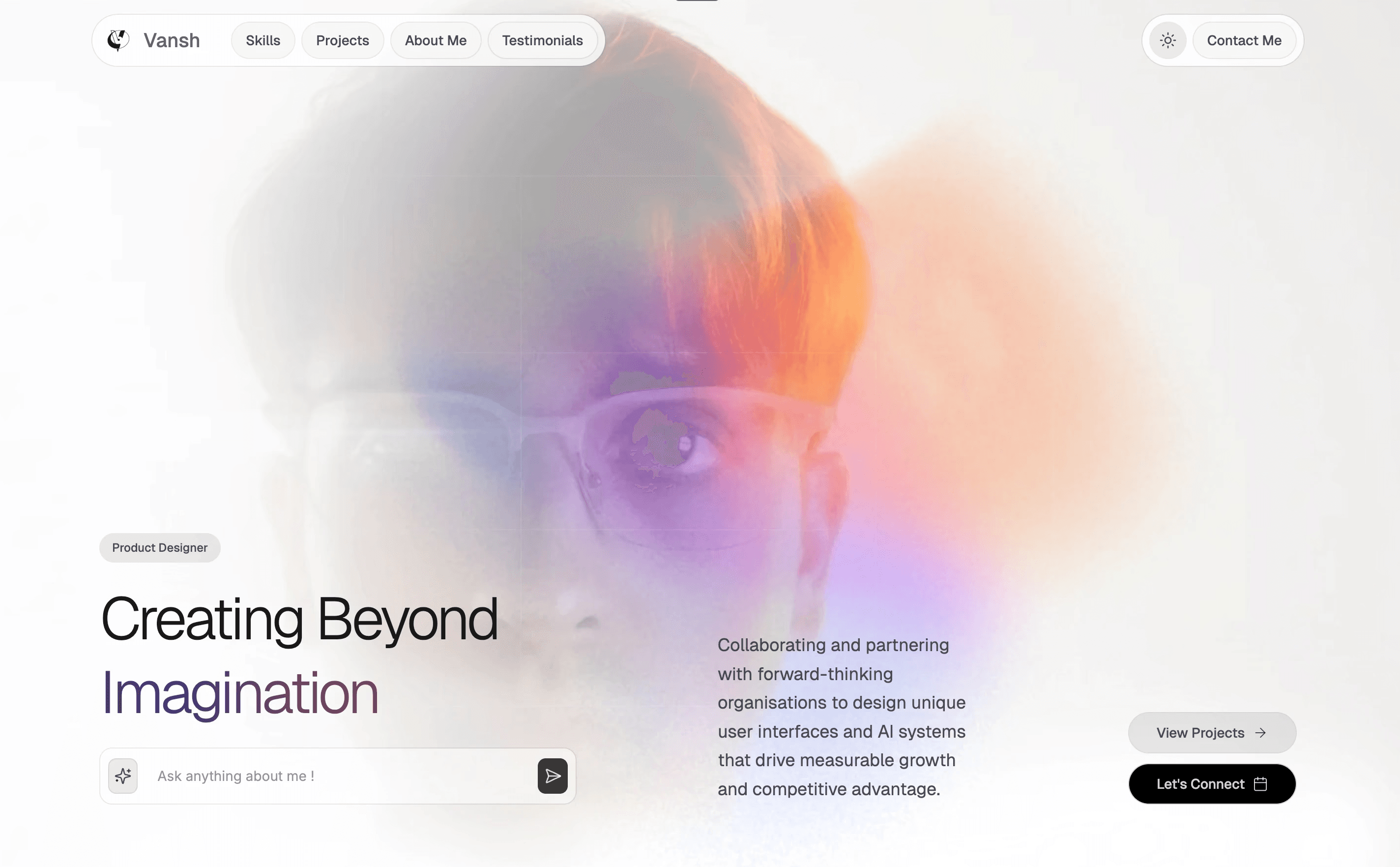
I used Unicorn Studio for the interactive backgrounds and the project features two different dynamic backgrounds for light and dark mode suiting the particular theme.
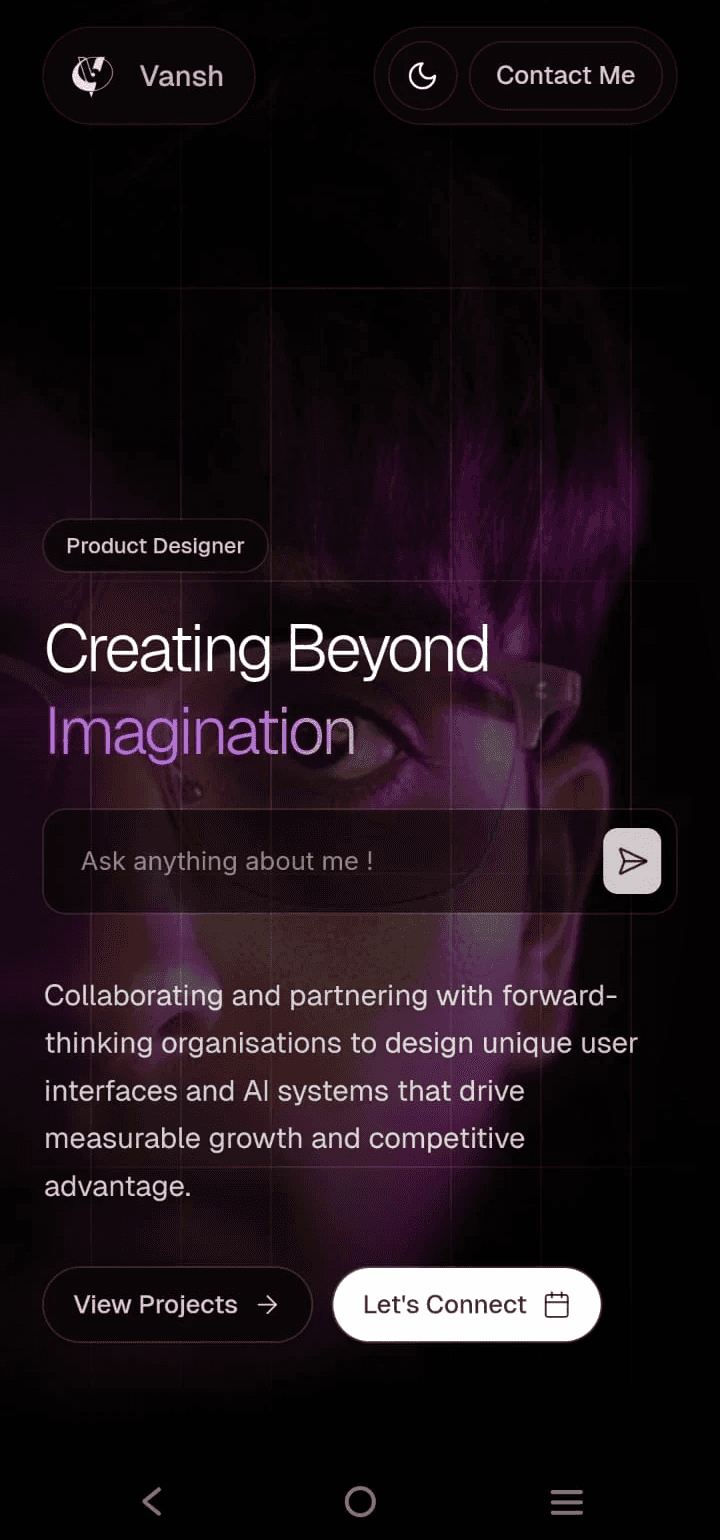
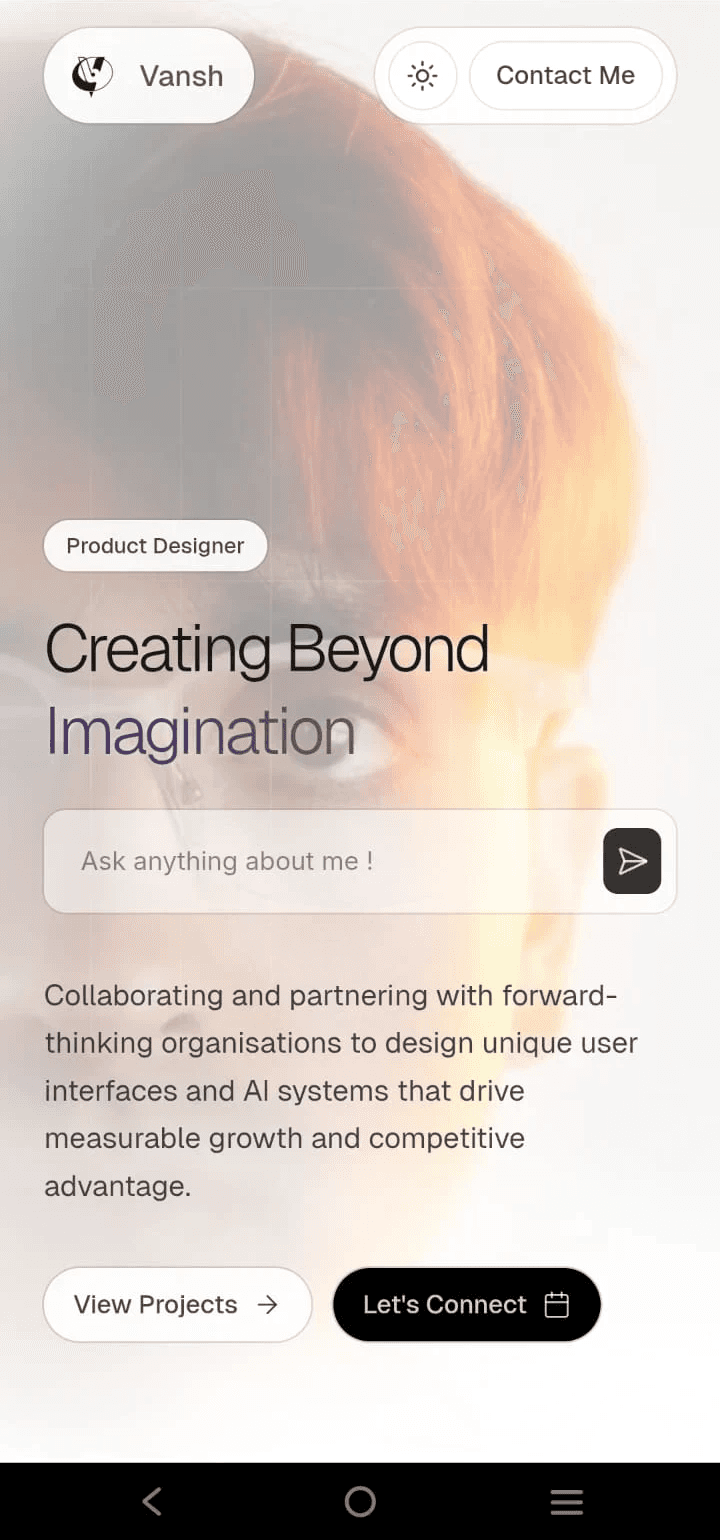
For mobile devices, I replaced heavy backdrop blurs with a fill with 80% opacity and unmounted Unicorn studio backgrounds. These steps were taken to optimise for performance in mobile devices.
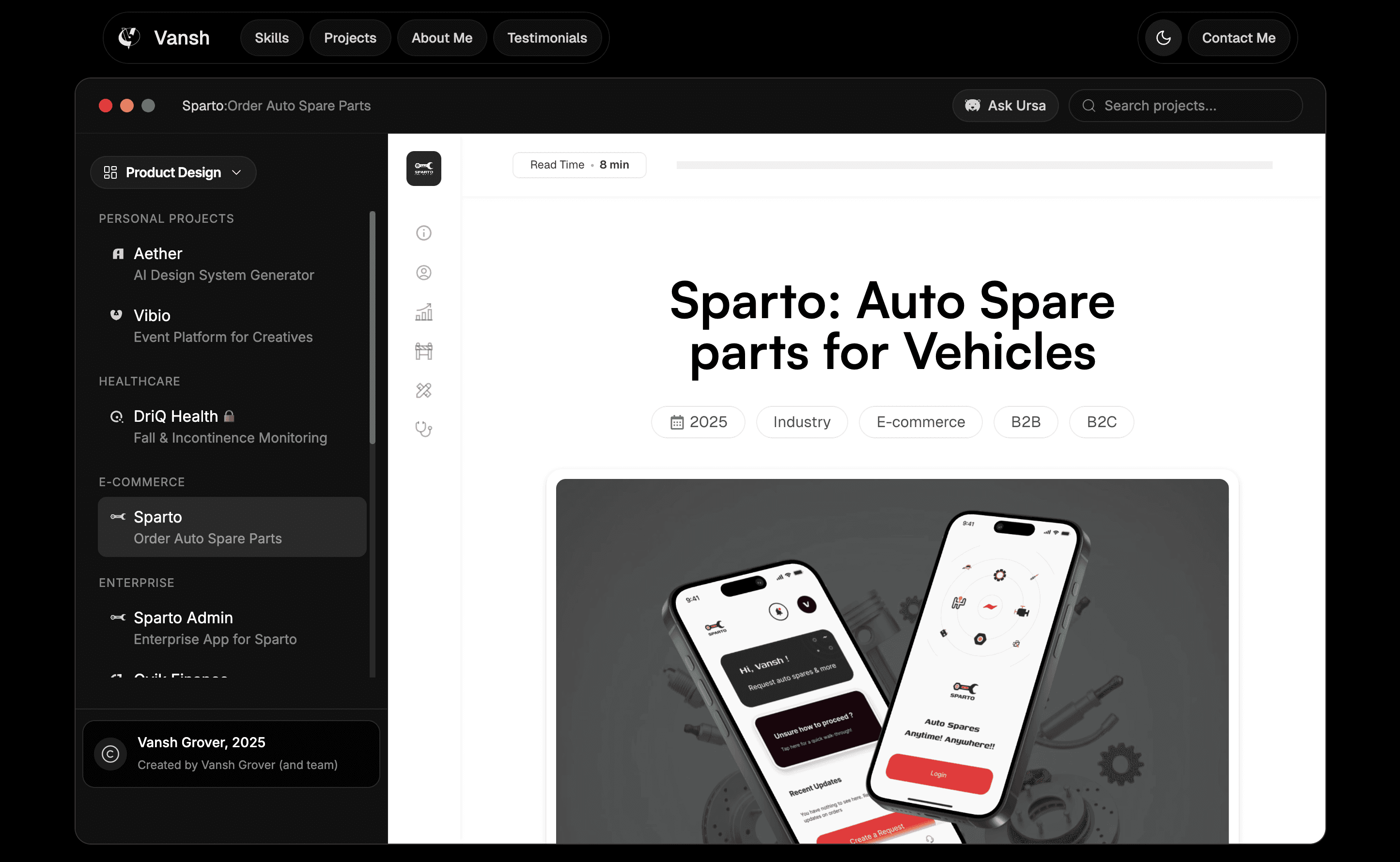
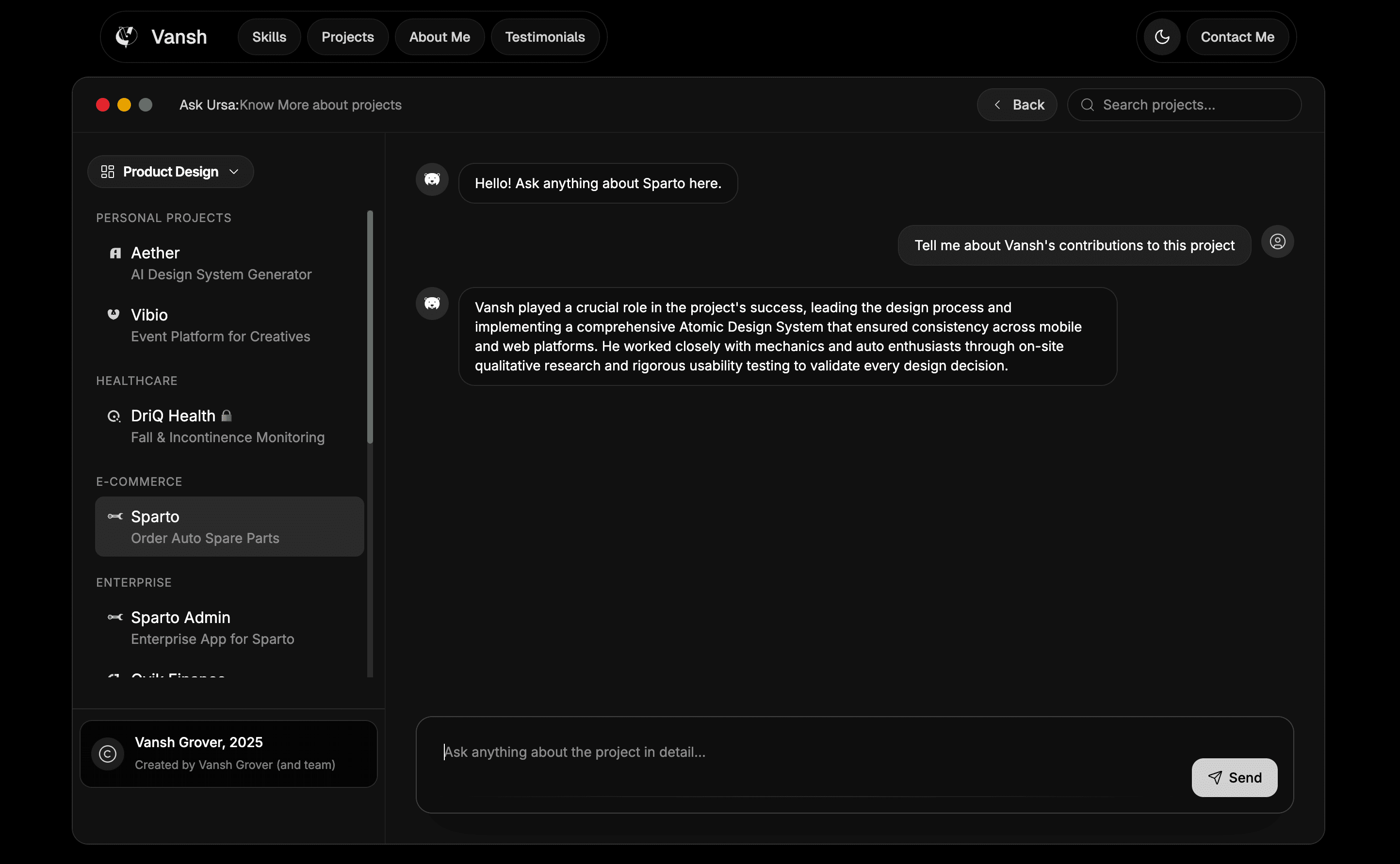
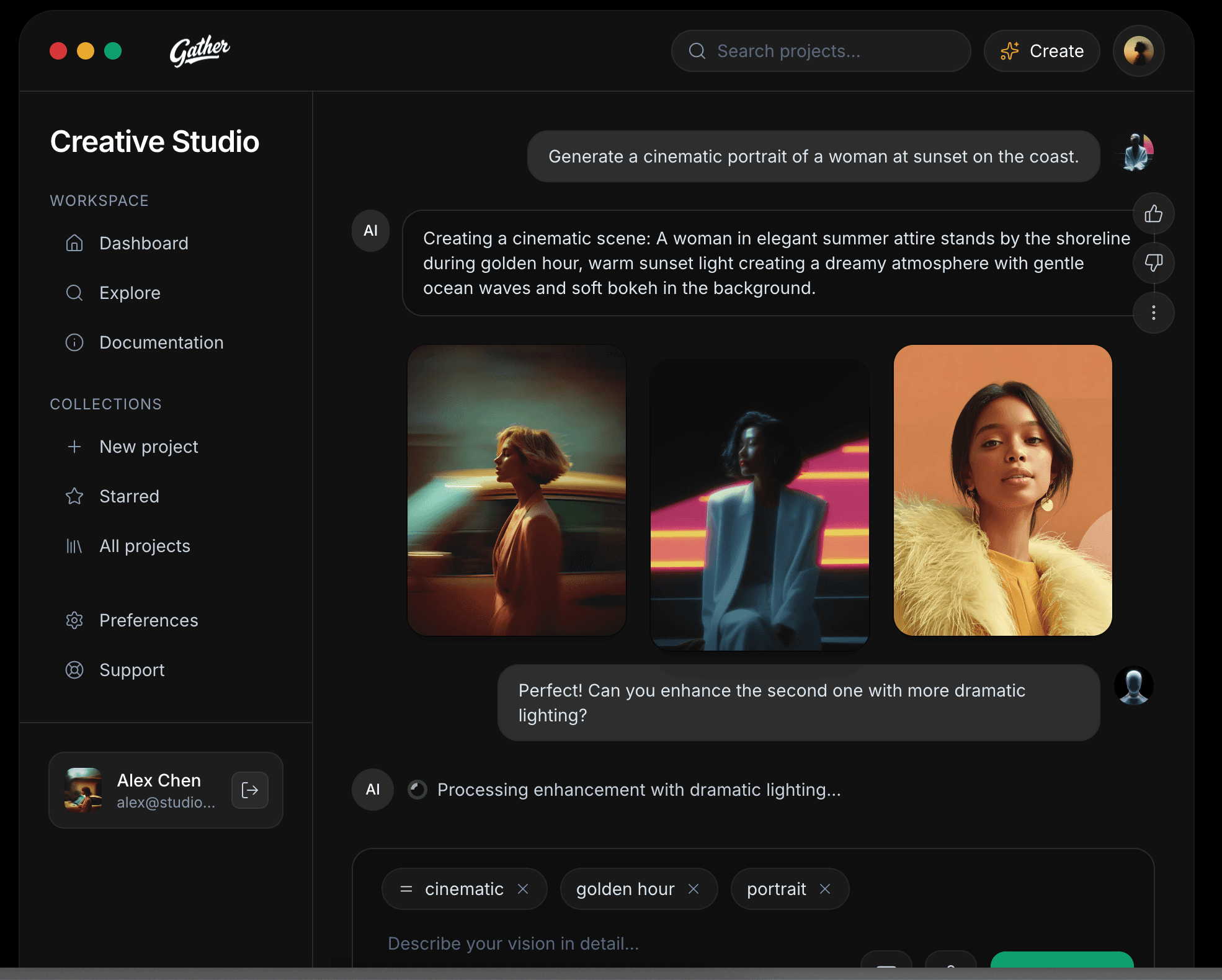
The project view looks like a window in Mac Devices to have a more in device feel. Also the User Interface with sidebar takes inspiration from Gen AI chat interface since it features a chat interface where you can converse to know about the projects in specific detail.
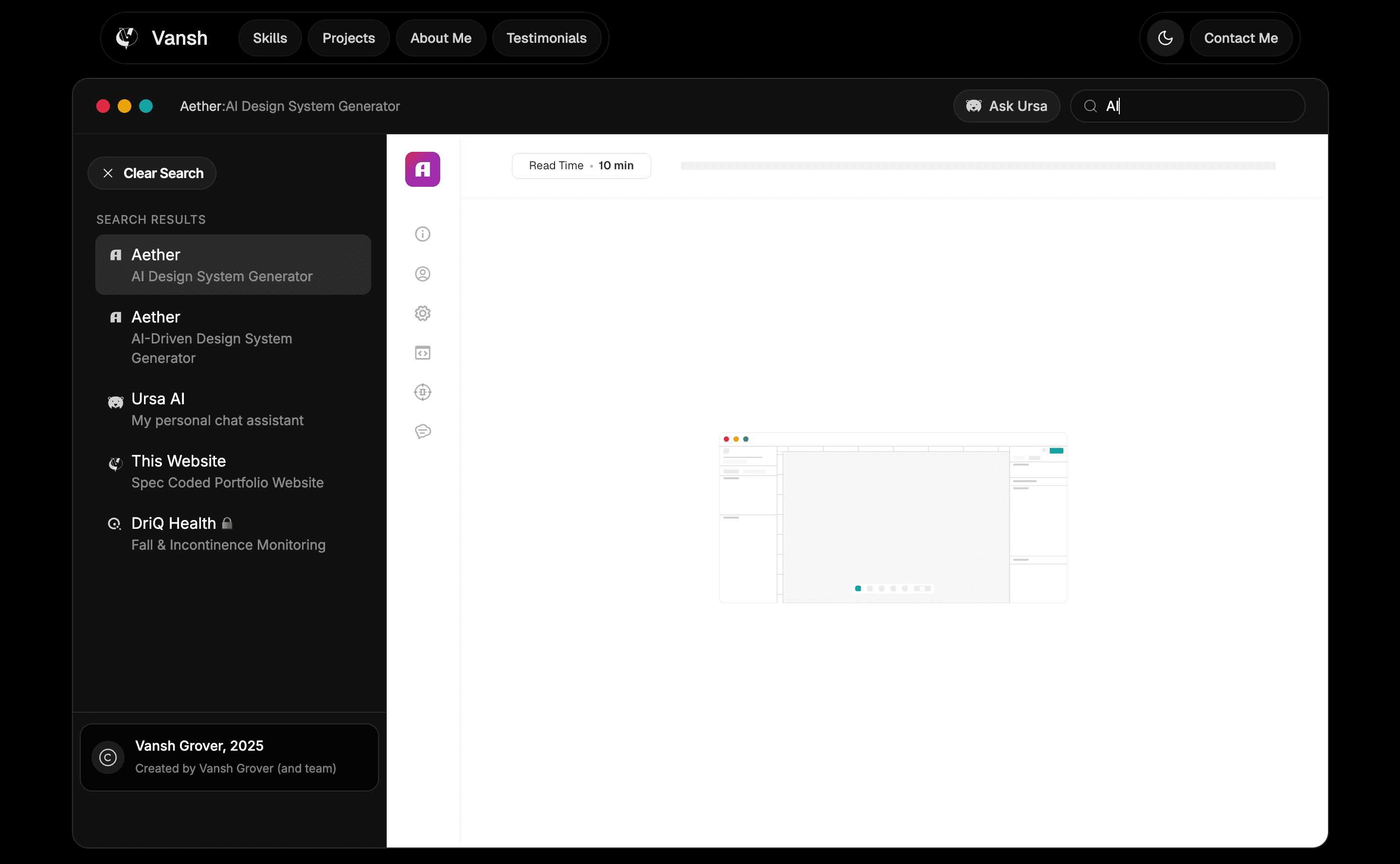
I also added a search functionality to the websites (limited to desktops and tablets for now) so that users can filter through the search by: project name, project tag, domain or subtitle words. For instance, you can search "AI" and it will list all the AI driven projects.
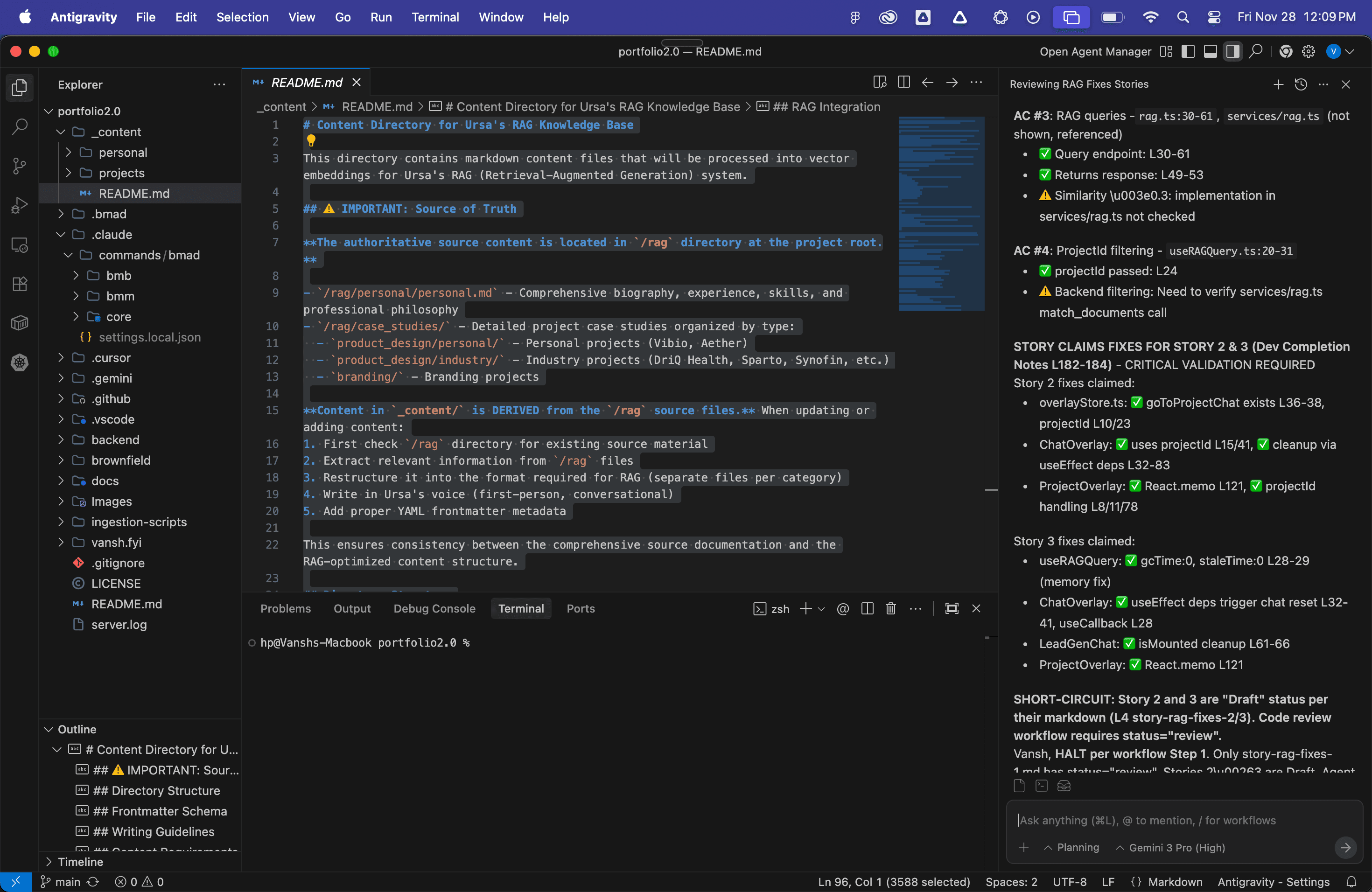
To push the backend further, I leveraged Google Antigravity (Google's AI-centric coding environment). This AI-assisted workflow allowed me to rapidly generate RAG content, refine the backend logic, and ensure the vector search pipelines were optimized for speed.
System Architecture
The core mission was solving "hallucination": the risk of the AI inventing facts about my experience.
Content Directory for Ursa's RAG Knowledge Base
This directory contains markdown content files that will be processed into vector embeddings for Ursa's RAG (Retrieval-Augmented Generation) system.
⚠️ IMPORTANT: Source of Truth
The authoritative source content is located in `/rag` directory at the project root.
/rag/personal/personal.md- Comprehensive biography, experience, skills, and professional philosophy/rag/case_studies/- Detailed project case studies organized by type:product_design/personal/- Personal projects (Vibio, Aether)product_design/industry/- Industry projects (DriQ Health, Sparto, Synofin, etc.)branding/- Branding projects
Content in `_content/` is DERIVED from the `/rag` source files. When updating or adding content:
- First check
/ragdirectory for existing source material - Extract relevant information from
/ragfiles - Restructure it into the format required for RAG (separate files per category)
- Write in Ursa's voice (first-person, conversational)
- Add proper YAML frontmatter metadata
This ensures consistency between the comprehensive source documentation and the RAG-optimized content structure.
Directory Structure
_content/
├── personal/          # Information about Vansh (personal context)
│   ├── bio.md
│   ├── skills.md
│   ├── experience.md
│   └── interests.md
└── projects/          # Project-specific information
    └── portfolio-website/
        ├── overview.md
        ├── tech-stack.md
        ├── challenges.md
        ├── outcomes.md
        └── links.md
Frontmatter Schema
All markdown files MUST include YAML frontmatter with the following structure:
---
type: personal | project
category: bio | skills | experience | interests | overview | tech-stack | challenges | outcomes | links
projectId: portfolio-website  # Required for type: project only
lastUpdated: YYYY-MM-DD
tags: [optional, tags, here]
source: /rag/personal/personal.md  # Reference to source file in /rag directory
---
Note: The source field documents which file in /rag the content was derived from, enabling traceability and making it easier to update content when source files change.
Writing Guidelines
CRITICAL: All content must be written in first-person ("I", "my", "me") AS Vansh, not ABOUT Vansh.
Follow the Ursa Personality Guide (docs/ursa-personality-guide.md):
- Tone: Conversational, authentic, passionate
- Voice: Strongly first-person
- Vocabulary: Clear, direct with informal touches
- Narrative flow: Stories, not bullet points
- Emojis: Strategic use (max 1-2 per document)
Content Requirements
Personal Content (300+ words per file):
- Bio: Personal story, what drives you
- Skills: Technical expertise with context and examples
- Experience: Work history as stories with impact
- Interests: Passions, side projects, learning journey
Project Content (200-600 words per file):
- Overview: What it is, why you built it, vision
- Tech Stack: Technologies used and why
- Challenges: Problems solved, solutions found
- Outcomes: Results, impact, lessons learned
- Links: Context for demos, GitHub, screenshots
RAG Integration
These files will be:
- Processed by the data ingestion script (Epic 4 Story 4.2)
- Converted to vector embeddings
- Stored in Supabase vector database
- Retrieved contextually during user queries
The type and projectId metadata enable context-aware filtering:
type: personal→ Used for hero section queriestype: project+projectId→ Used for project-specific queries
I architected a Retrieval-Augmented Generation (RAG) system where Ursa (the AI) retrieves semantically similar content from my structured Markdown files (stored as vector embeddings in Supabase) before answering user queries.
Deploying a RAG pipeline on serverless infrastructure hit a hard wall: Vercel's 250MB serverless function limit. The libraries required for parsing content and generating embeddings were too heavy to bundle into a standard edge function.
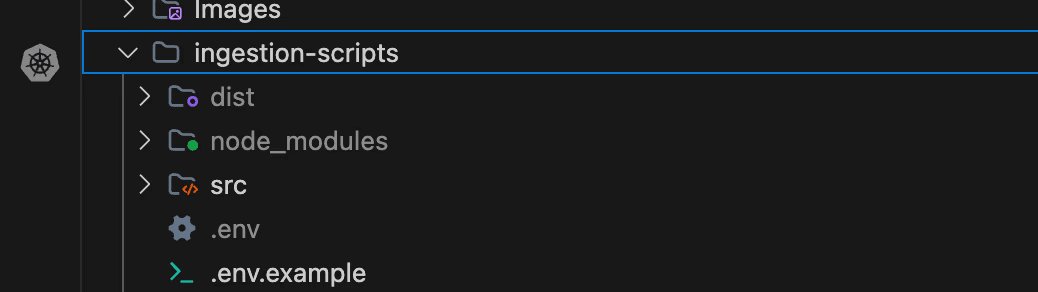
I decoupled the architecture. I created a separate local ingestion logic. Instead of processing data on the server request, I run ingestion scripts locally on my machine.
Ingestion Comands
These scripts generate the embeddings and push them directly to Supabase. The live site then only needs to perform lightweight retrieval queries, bypassing the bundle size limit entirely.
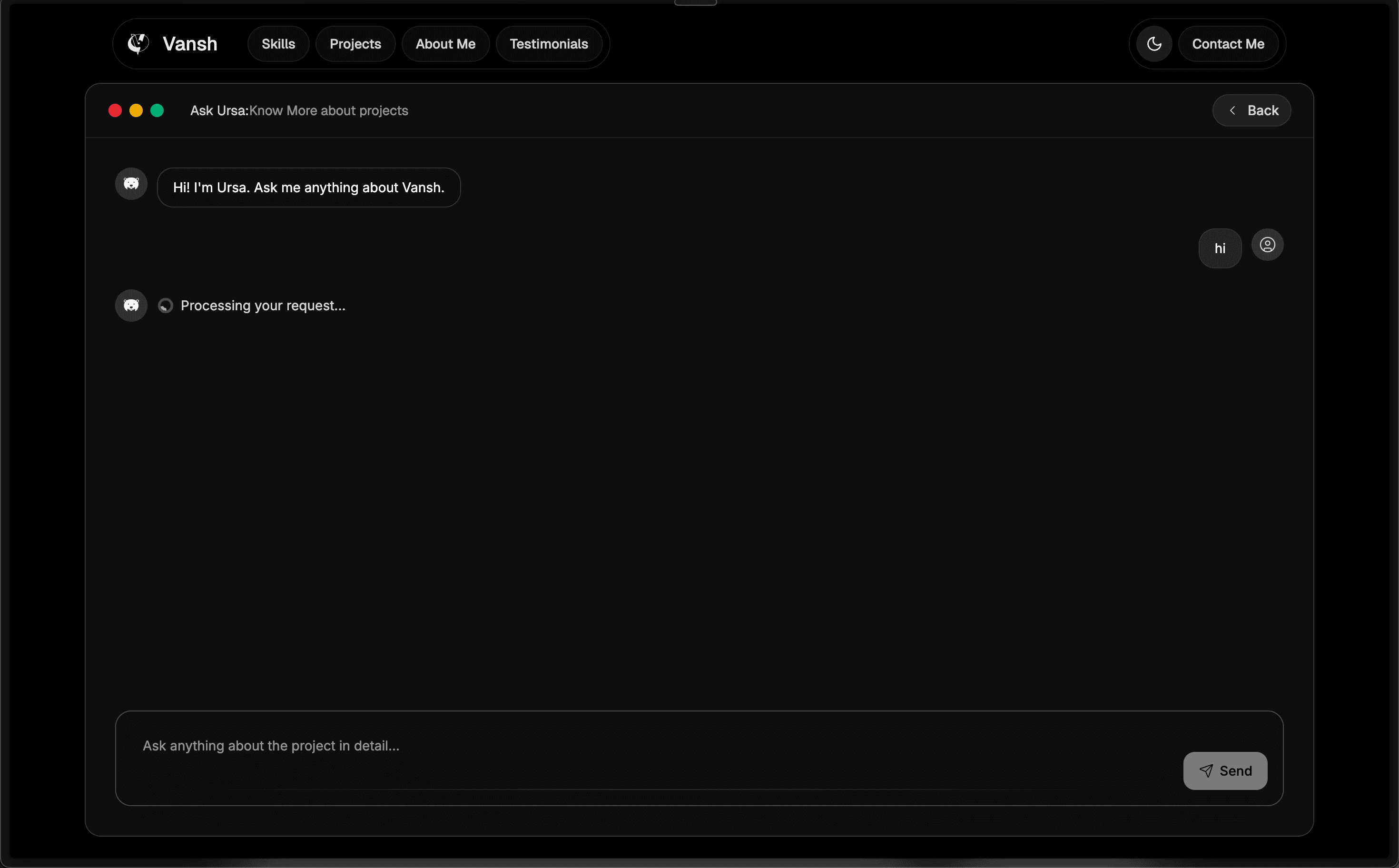
I needed Ursa to be context-aware answering general questions on the home page but specific technical questions when viewing a project like "Aether." I built a custom view-state routing system managed by Zustand. I track a chatContext state that dynamically switches the RAG retrieval filter based on the user's location, ensuring Ursa always accesses the relevant knowledge base.
Takeaways & Reflection
This project was a proving ground for moving between design thinking and systems engineering. The quality of the AI depends entirely on the information architecture and infrastructure you build underneath it. The workflows I picked for this project excelled at those. But even after all the heavy automation, The crucial 10% of the code had to be manually fixed and edited by me (mostly in the front end). AI does makes your workflow insanely fast (I built this in just 15 days !) but I would not have reached here if I did not know the concepts and functionality behind this.