Syno Assess: Online Testing and grading solutions
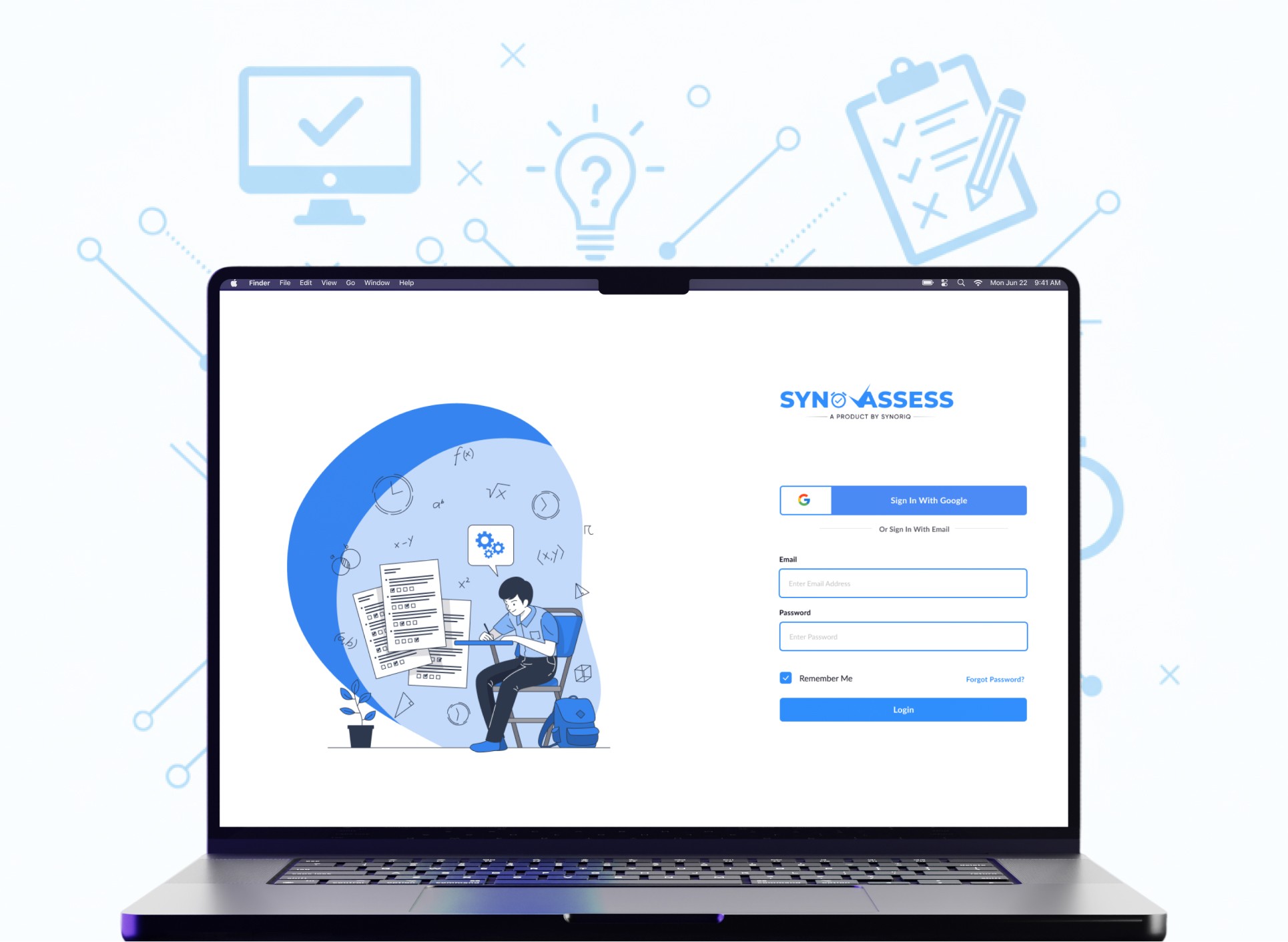
During the surge in demand for online learning in 2021, I worked with a senior designer on Syno Assess, a platform for creating and grading online tests. This case study covers how we tackled the unique challenge of designing a two-sided platform that needed to be as simple as Google Forms for creators, yet robust and secure for test-takers, all while navigating the specific vision of our company's CEO and Product Manager.
My Role
Tools Used



Challenges
The core challenge was designing for two distinct users: admins who needed a simple and efficient way to create tests, and students who needed a clear, secure, and reliable testing environment. The platform had to feel consistent while serving very different needs.
A huge part of my role was anticipating and designing for every possible user scenario. This involved creating a comprehensive set of popups and notifications for everything from anti-cheating measures (disabling copy-paste) to simple confirmations (deleting an assessment).
Constraints
A key directive from the CEO was to avoid complex, data-heavy dashboards and to make the test creation process feel as intuitive as Google Forms (Most institutions were using Google forms for assessment in India that time). This meant focusing on a clean, minimalist UI for the admin side.
Getting down to Work
My process, alongside the senior designer, was focused on translating the CEO's vision into a functional and user-friendly platform.
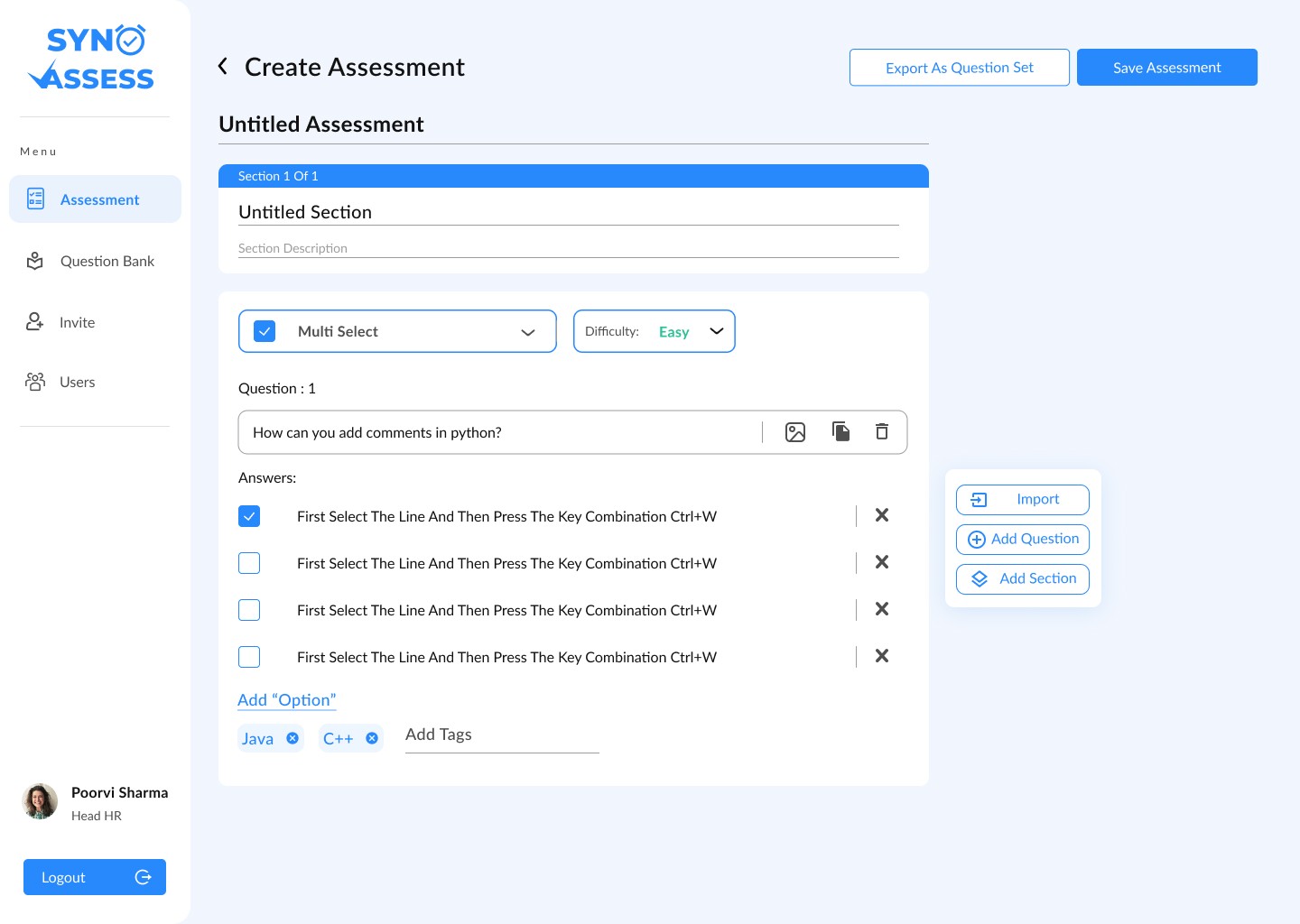
We designed the test creation flow to be incredibly straightforward, as seen in the screenshots. Admins can easily add sections, select question types, and input answers in a clean, linear fashion, fulfilling the goal of creating a familiar workflow as Google Forms and leveraging Jakob's Law.
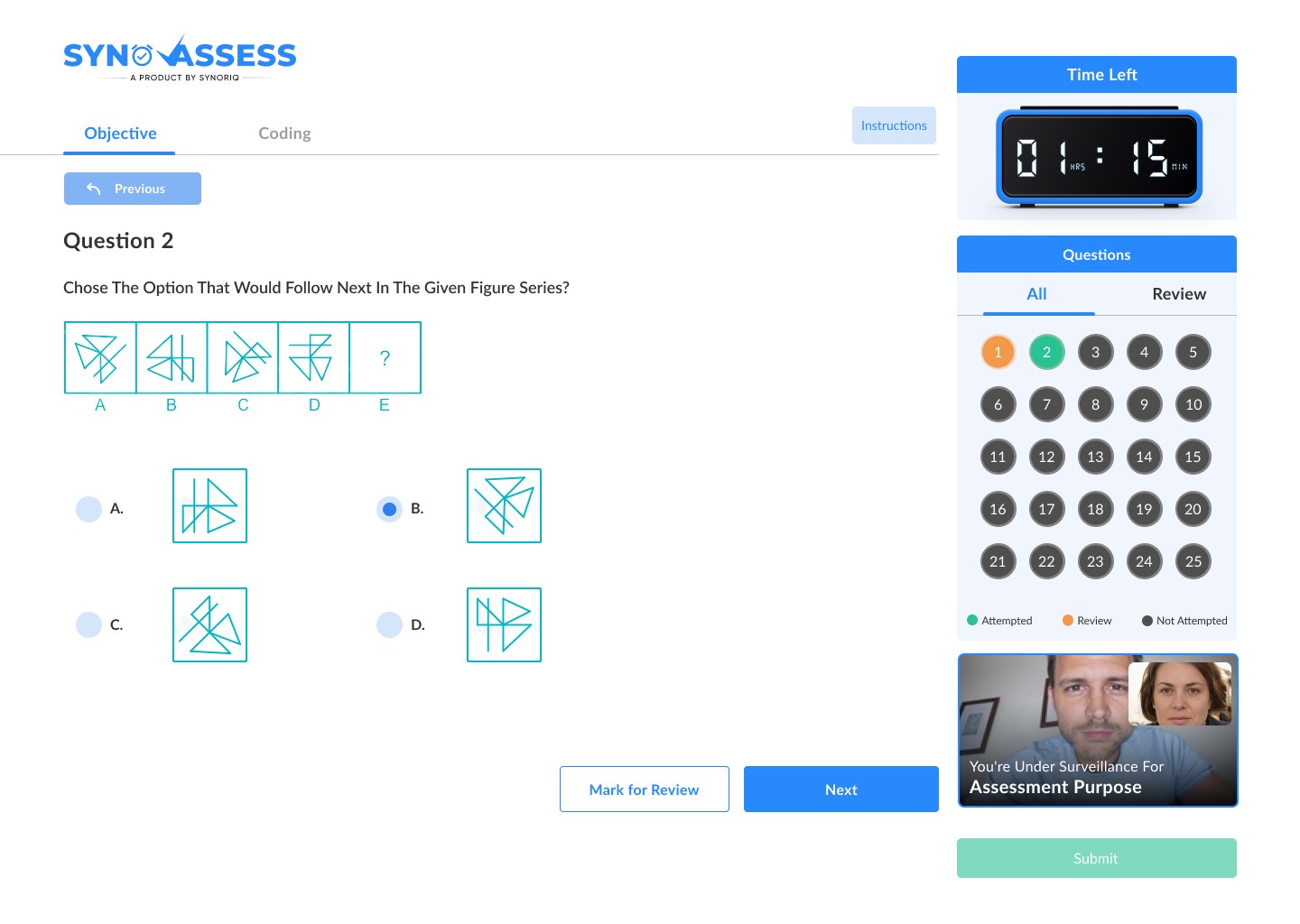
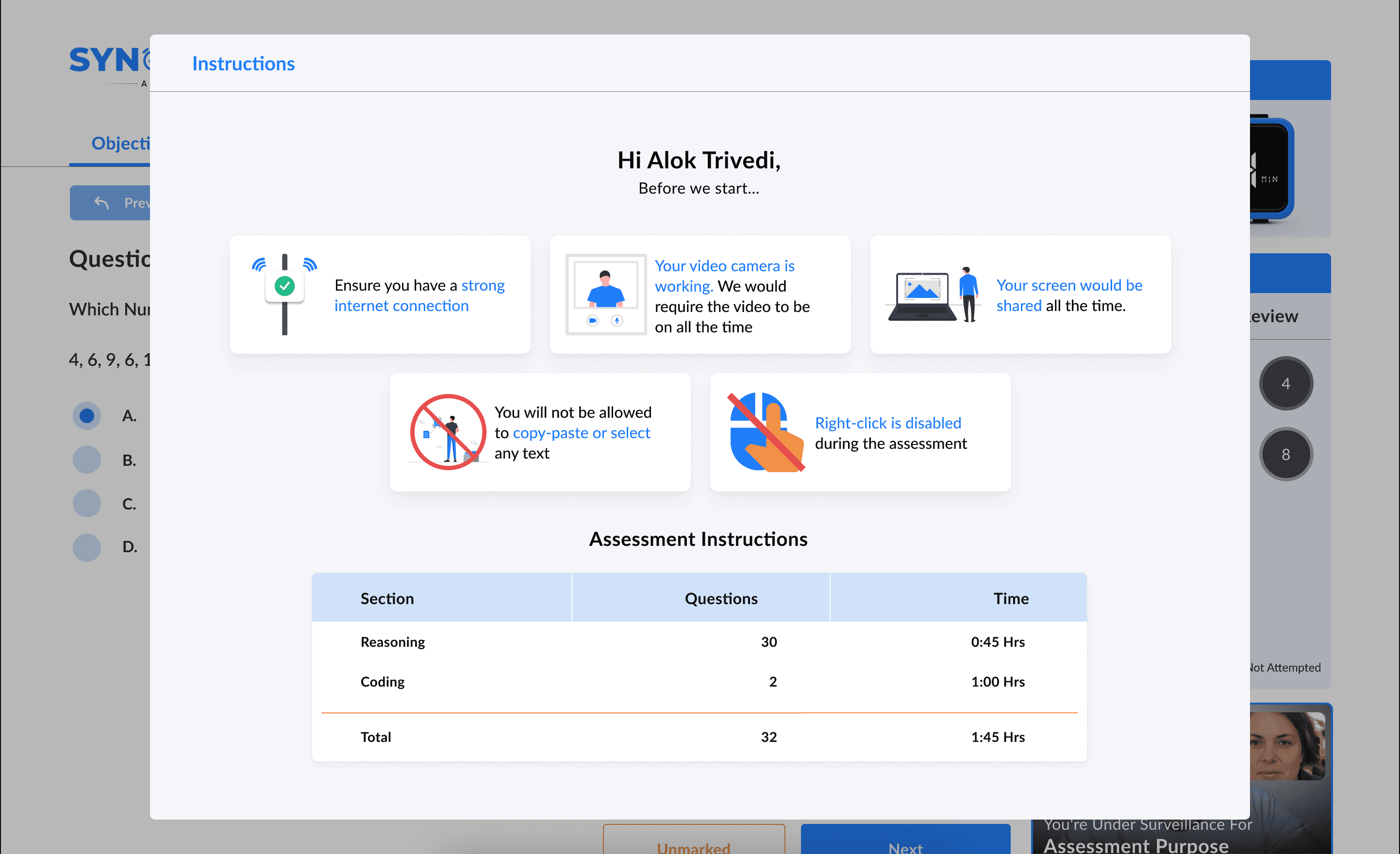
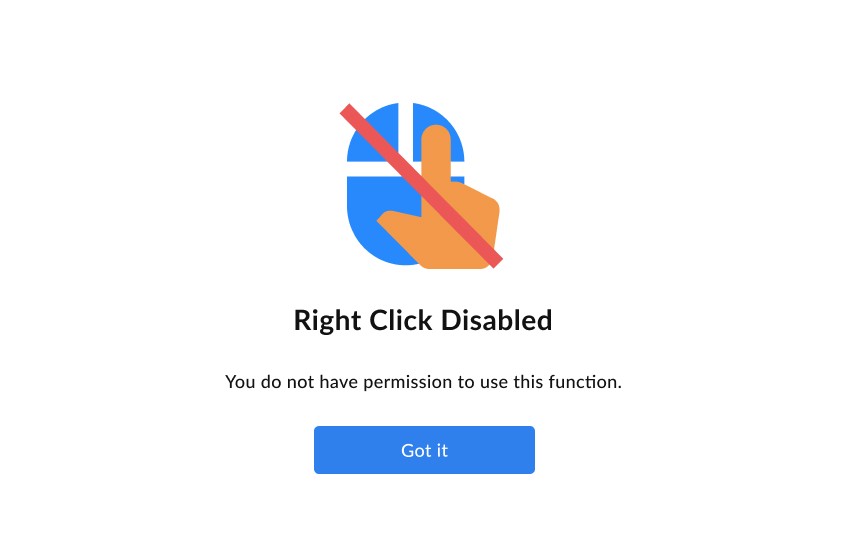
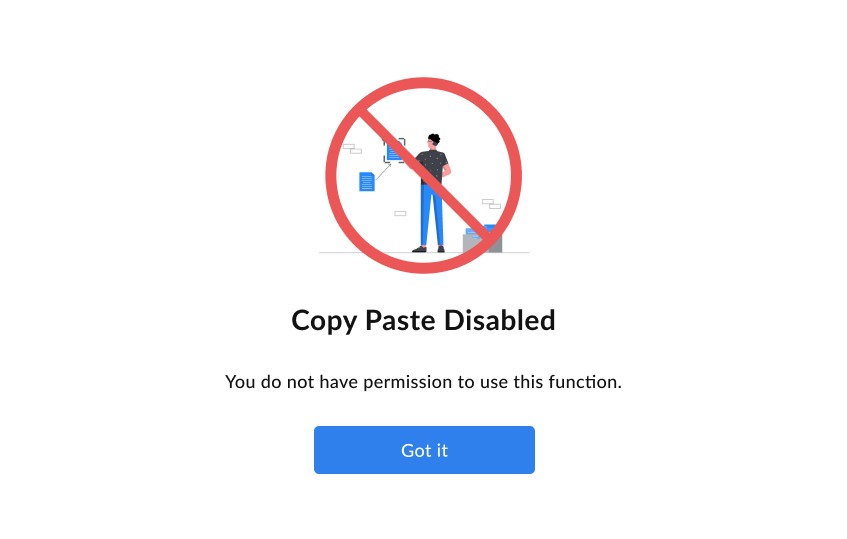
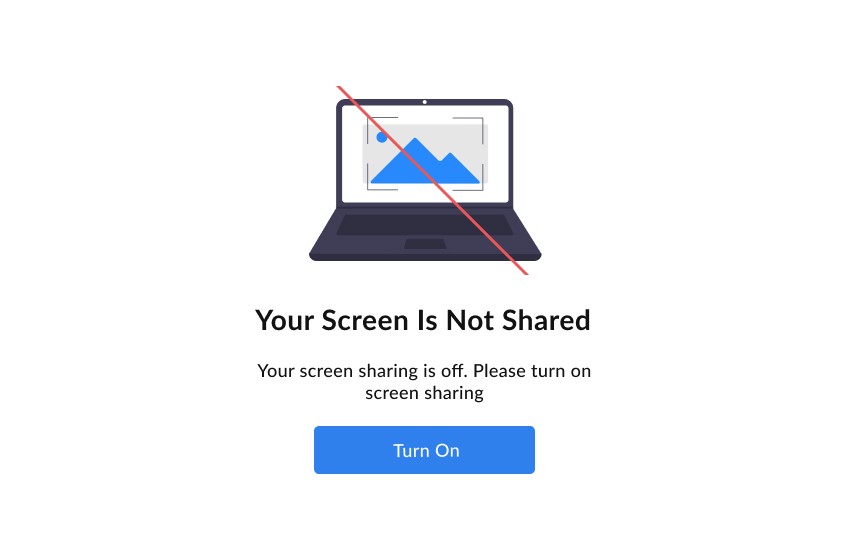
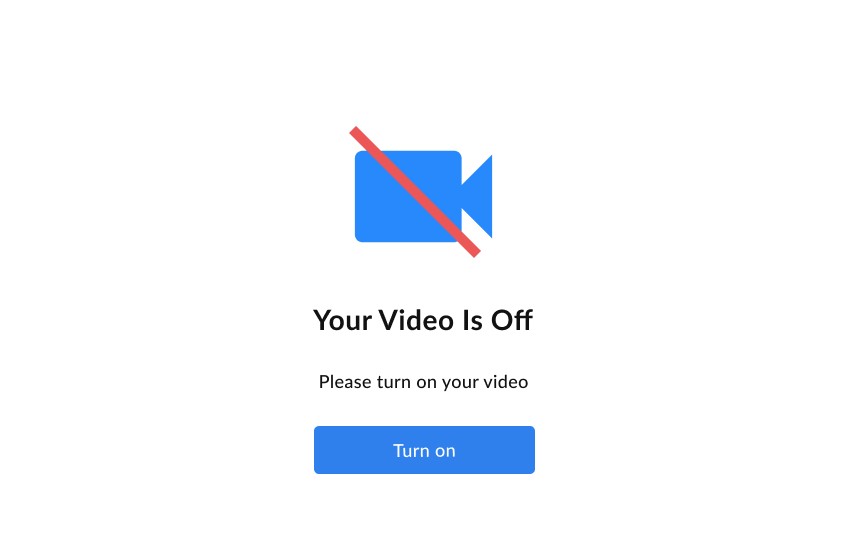
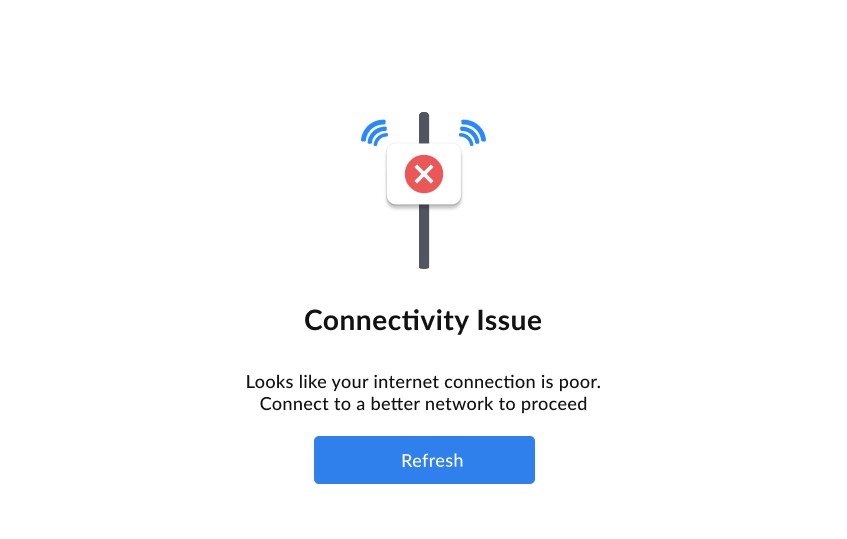
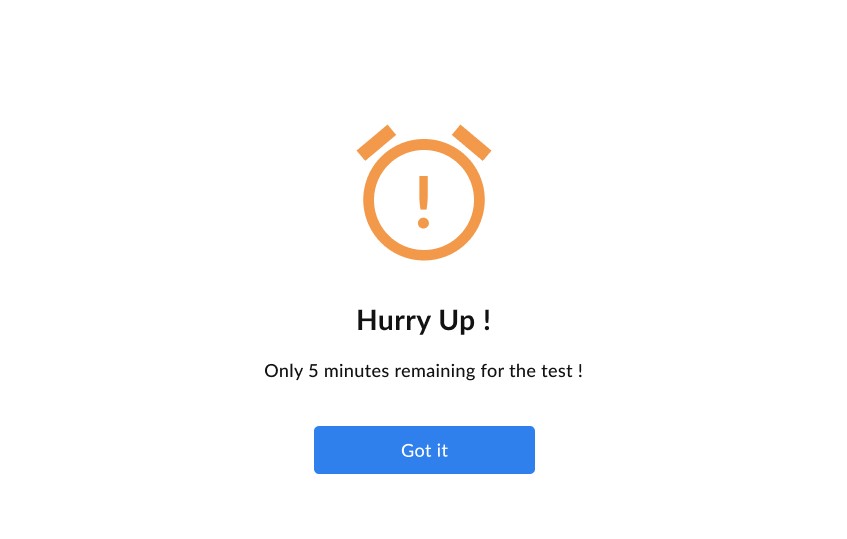
For the student-facing side, the focus was on clarity and security. The final design featured a prominent timer, a simple question navigator, and built-in proctoring features like video surveillance to ensure integrity. Before starting, users are met with a clear instruction popup detailing all the rules, such as a stable internet connection being required and copy-paste being disabled.

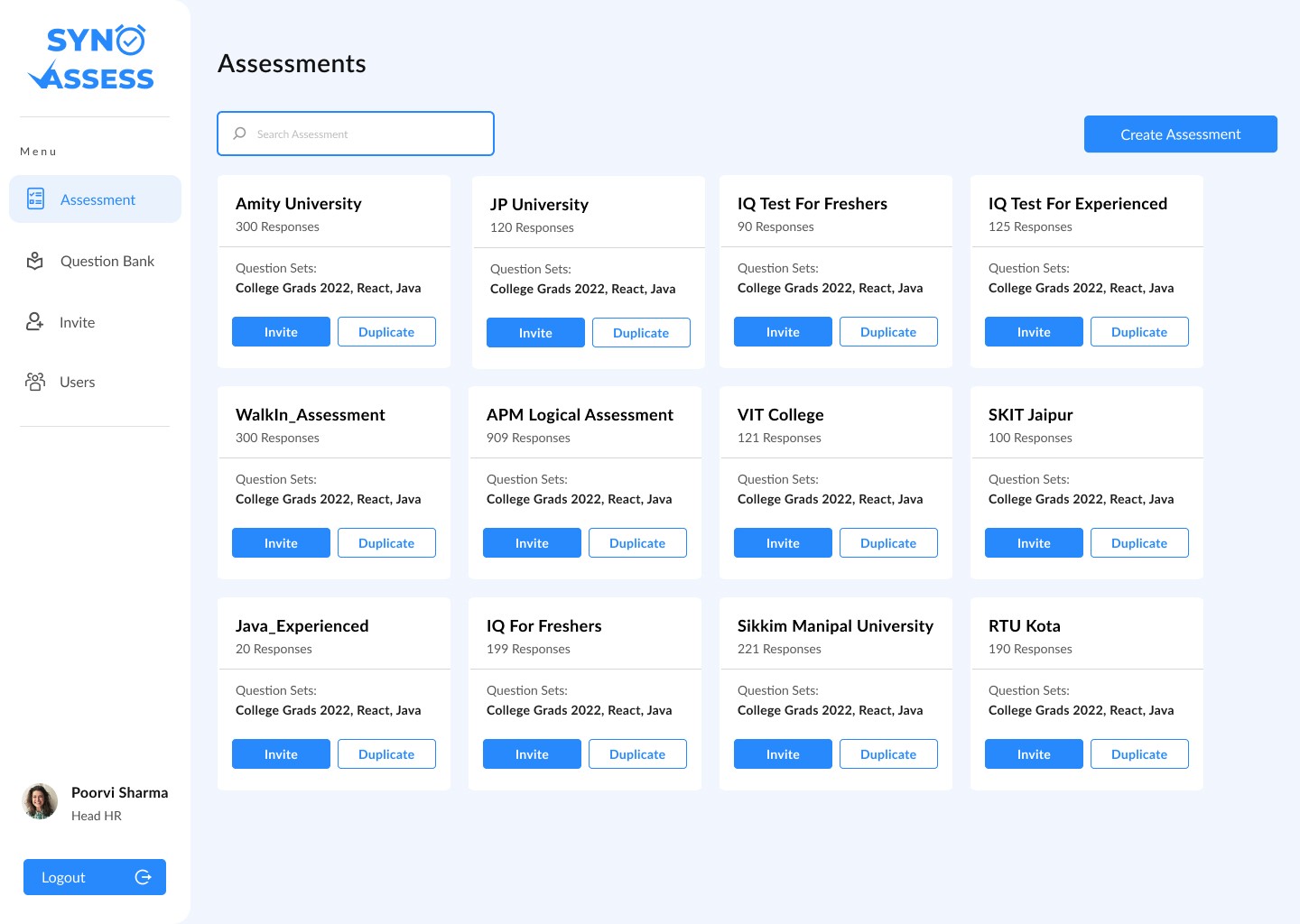
A key business goal was to create a robust question bank. I designed the interface for this library, allowing admins to store, categorize, and analyze questions based on difficulty, which could then be used to build preset and custom assessments.
Key Iterations
Our initial design for the assessment creator focused on efficiency. An admin could quickly generate a public test link by importing and mixing pre-made question sets.
Before
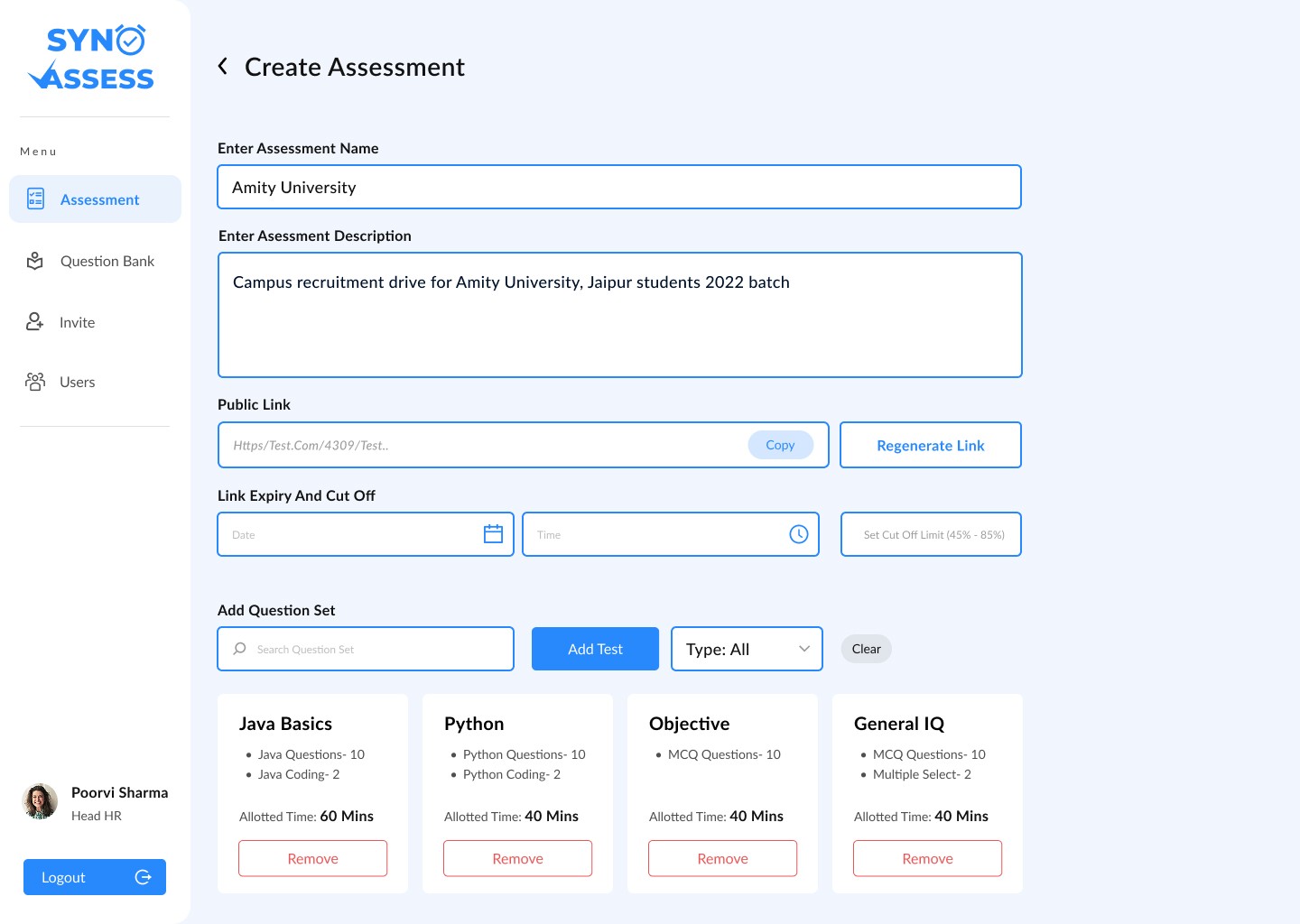
After

However, our CEO provided critical feedback that the primary goal should be familiarity for educators. He directed us to make the experience feel like Google Forms, which was the dominant tool at the time for creating online tests. I went back and redesigned the entire flow, creating the simple, step-by-step, question-by-question builder that made the platform instantly intuitive for new users.
Before
After
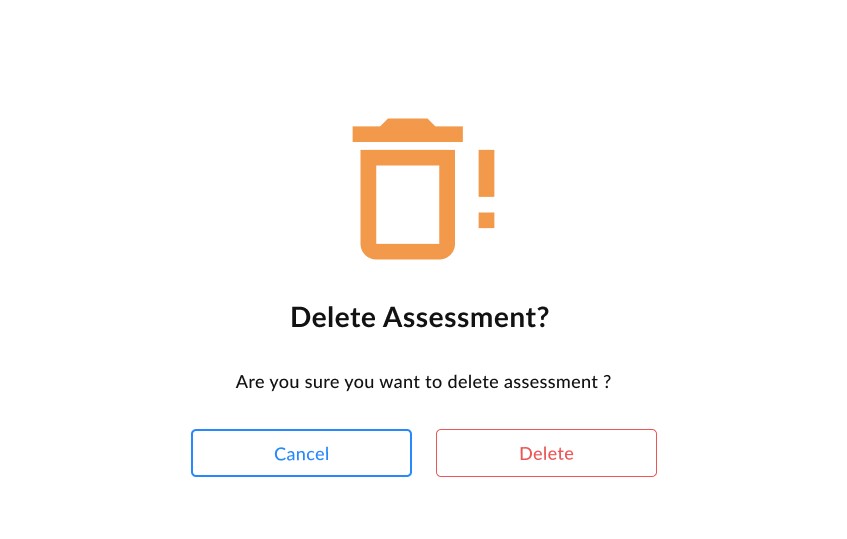
One of my early designs for destructive action popups used two secondary-style buttons: for instance, a blue "Cancel" button and a red-bordered "Delete" button.
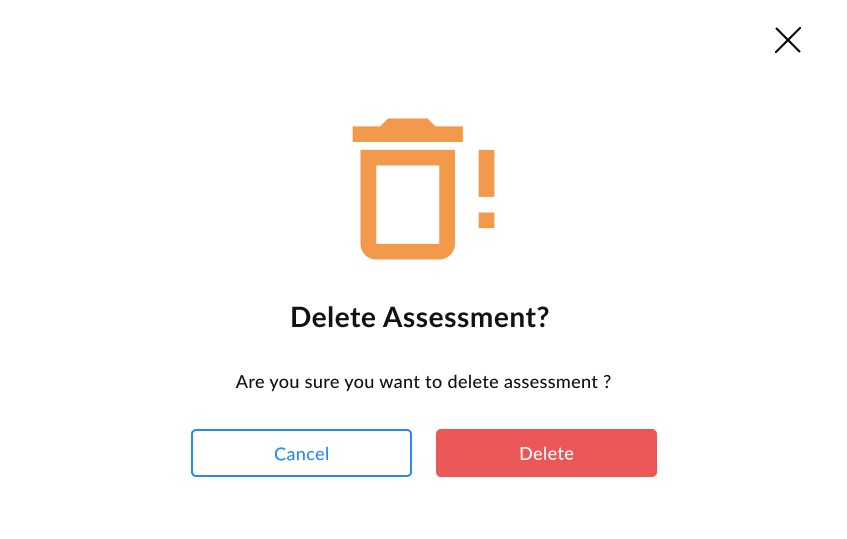
My senior designer pointed out that this wasn't good practice for a destructive action. Based on his feedback, I iterated on the design to make the "Delete" button a filled, primary button, giving it clear visual dominance. This created a much stronger distinction between the primary and secondary actions, helping to prevent user error.
I also added a close button at top right of popups once again leveraging Jakob's Law so that there is an option to close the popup which is familiar to users.
Final Deliverables
I successfully delivered three key assets:
A complete high-fidelity UI design for the two-sided Syno Assess platform, covering both the admin and student experiences.
A comprehensive library of components, including date picker, timers, and forms.
An interactive prototype for pitching the product and smoother development.
Takeaways & Reflection
Syno Assess was a masterclass in translating a specific, top-down vision into a functional product. It was a unique challenge to balance the CEO's directive for "Google Forms" simplicity against the complex needs of a secure testing platform.
The project also taught me a critical lesson about the importance of micro-interactions. The iteration on the delete-confirmation popup, guided by my senior designer, was a key learning moment. It showed me how a small detail like button hierarchy can have a huge impact on usability and help build a more trustworthy and professional user experience.
More than anything, I learned how to confidently navigate high-level stakeholder feedback while still focusing on the small details that make a design great.